Changelog

Follow new updates and improvements to SuperEarn.

February 24th, 2026

New

New bottom navigation tab

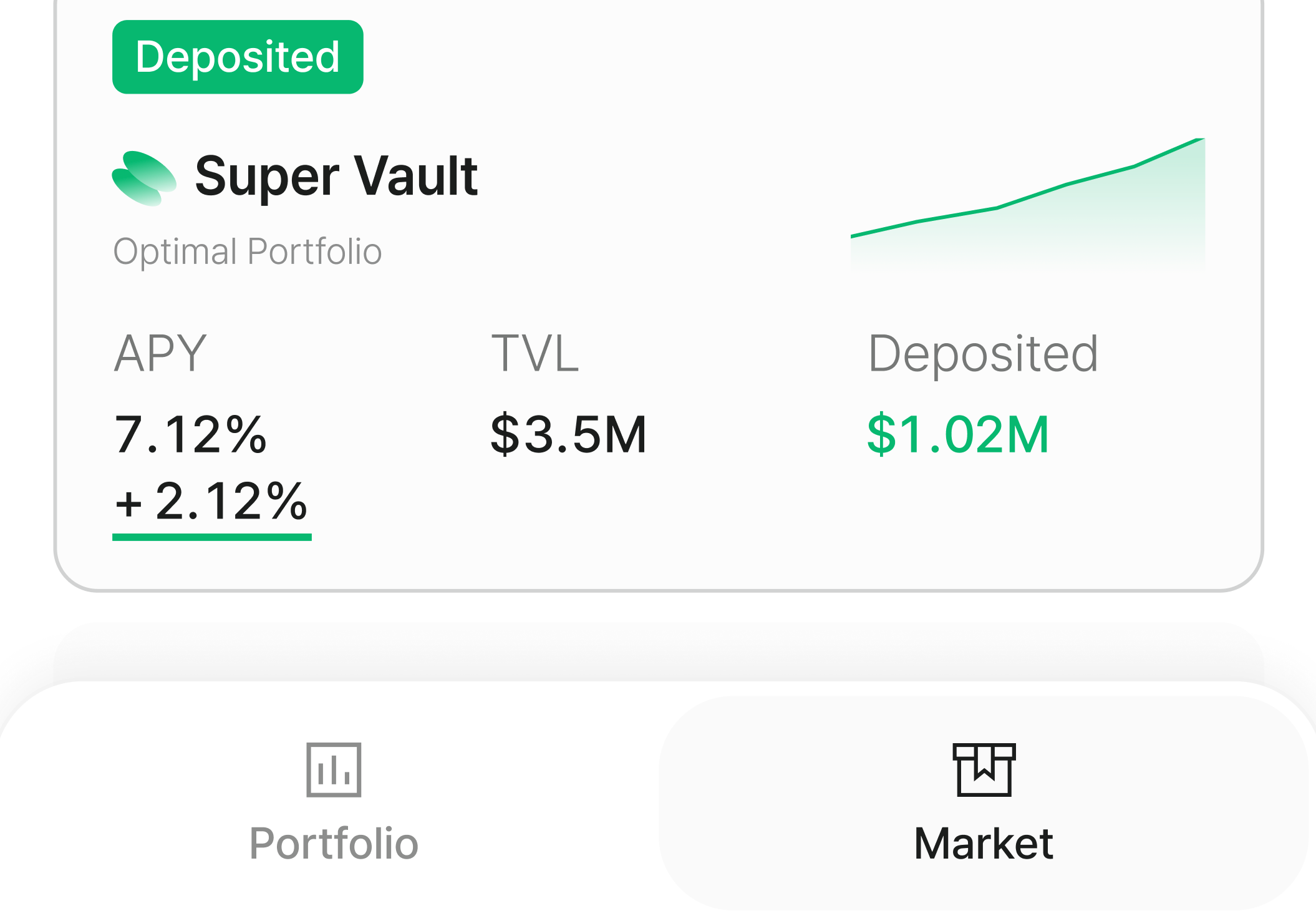
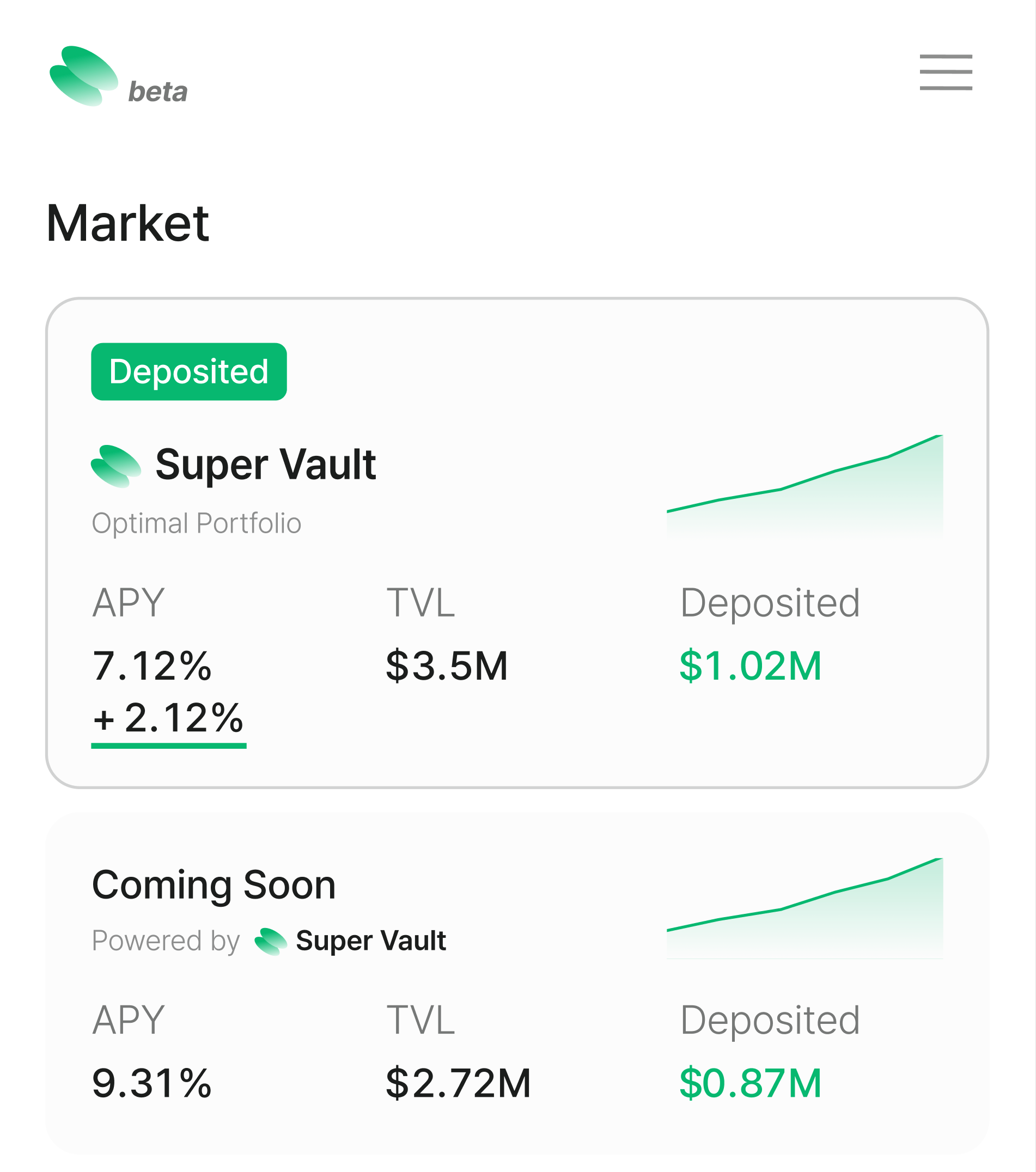
A new bottom tab makes it easy to switch between Your Portfolio and Market lists, with essential market information easier to view directly from the Market tab.

Explore market and product details

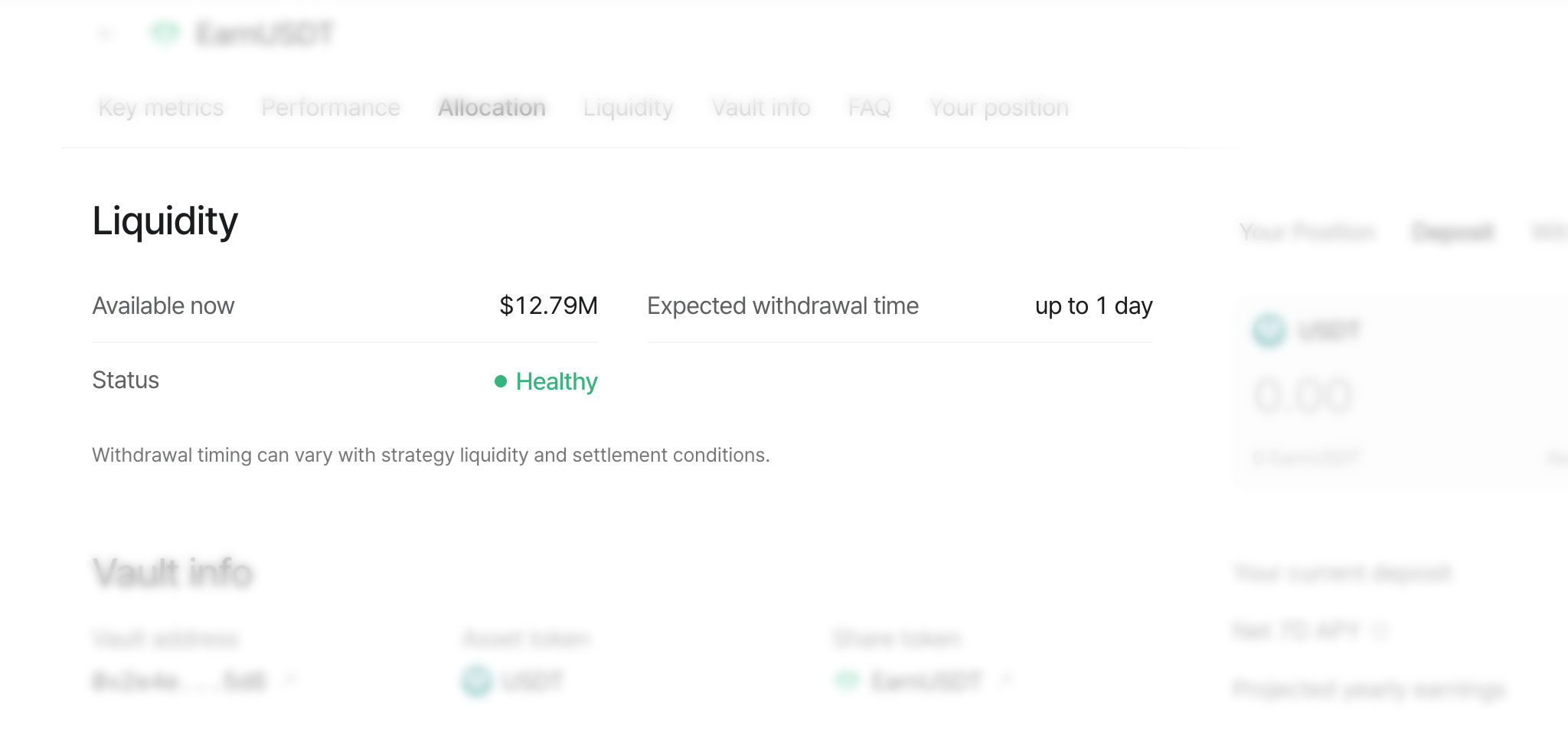
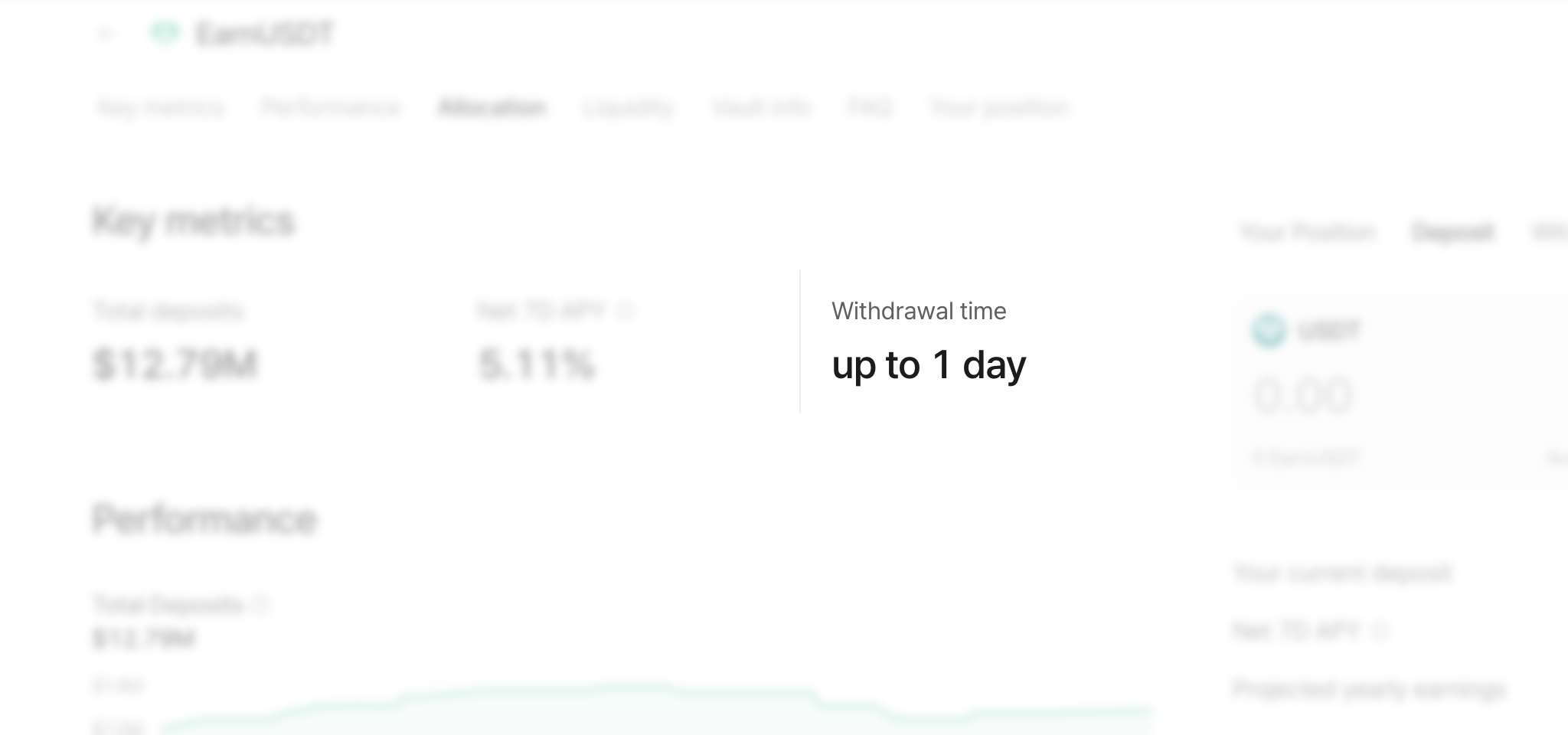
Product detail options now clearly surface essential information at a glance, helping you quickly understand each product before you invest and while you’re invested.

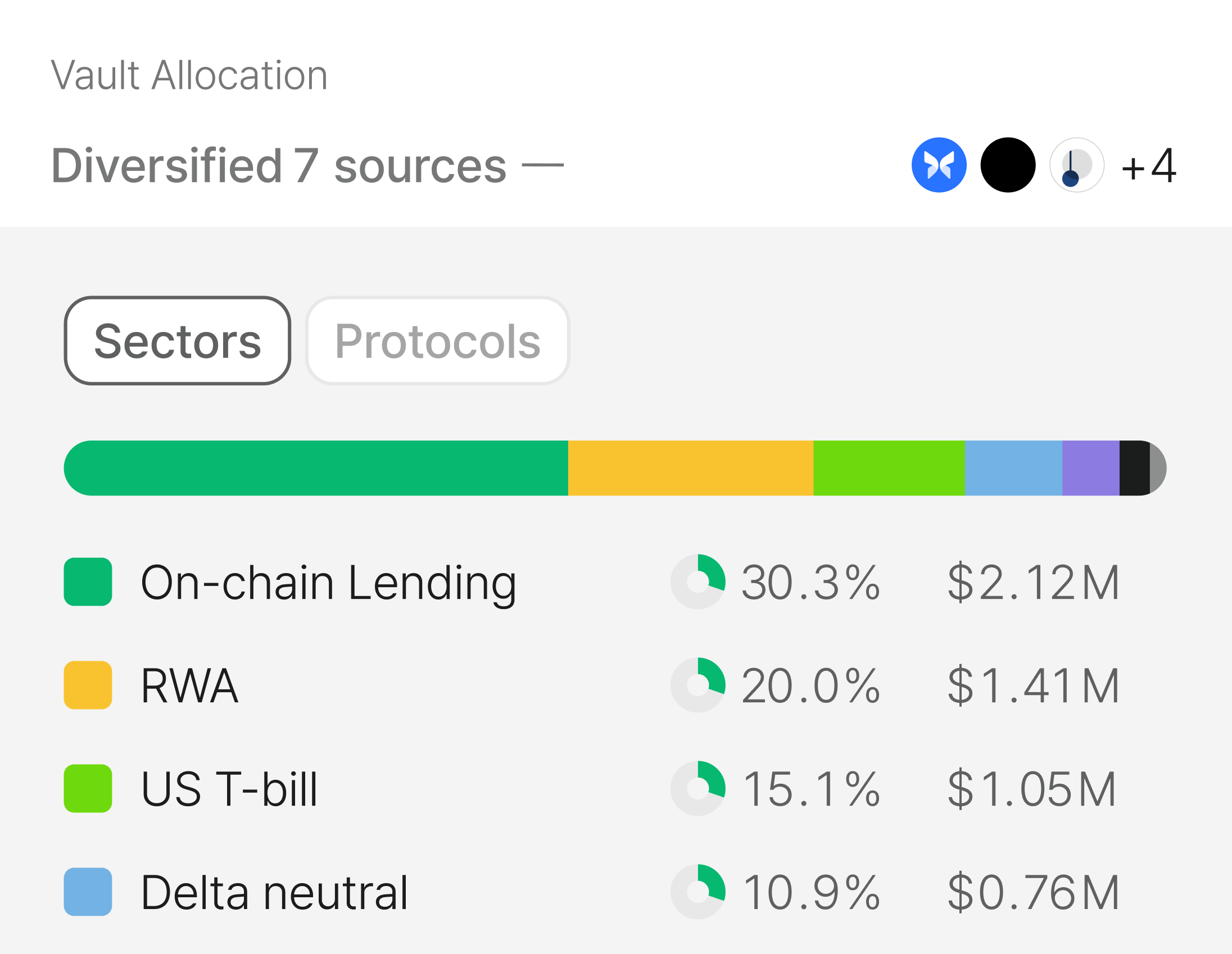
Deeper source allocation breakdowns

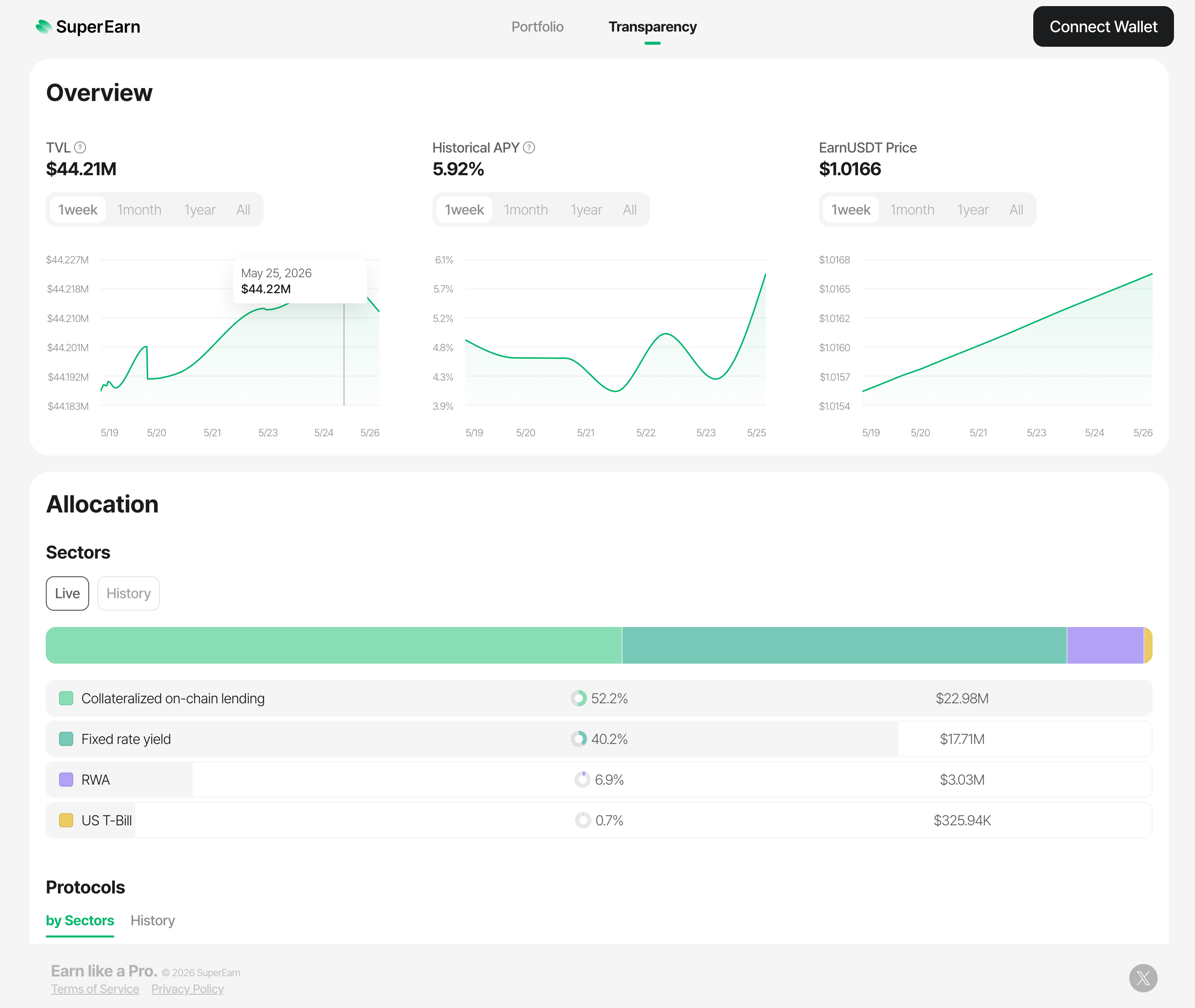
Source details now show allocations by sector in addition to protocols and strategies, giving you a fuller view of where funds are deployed.

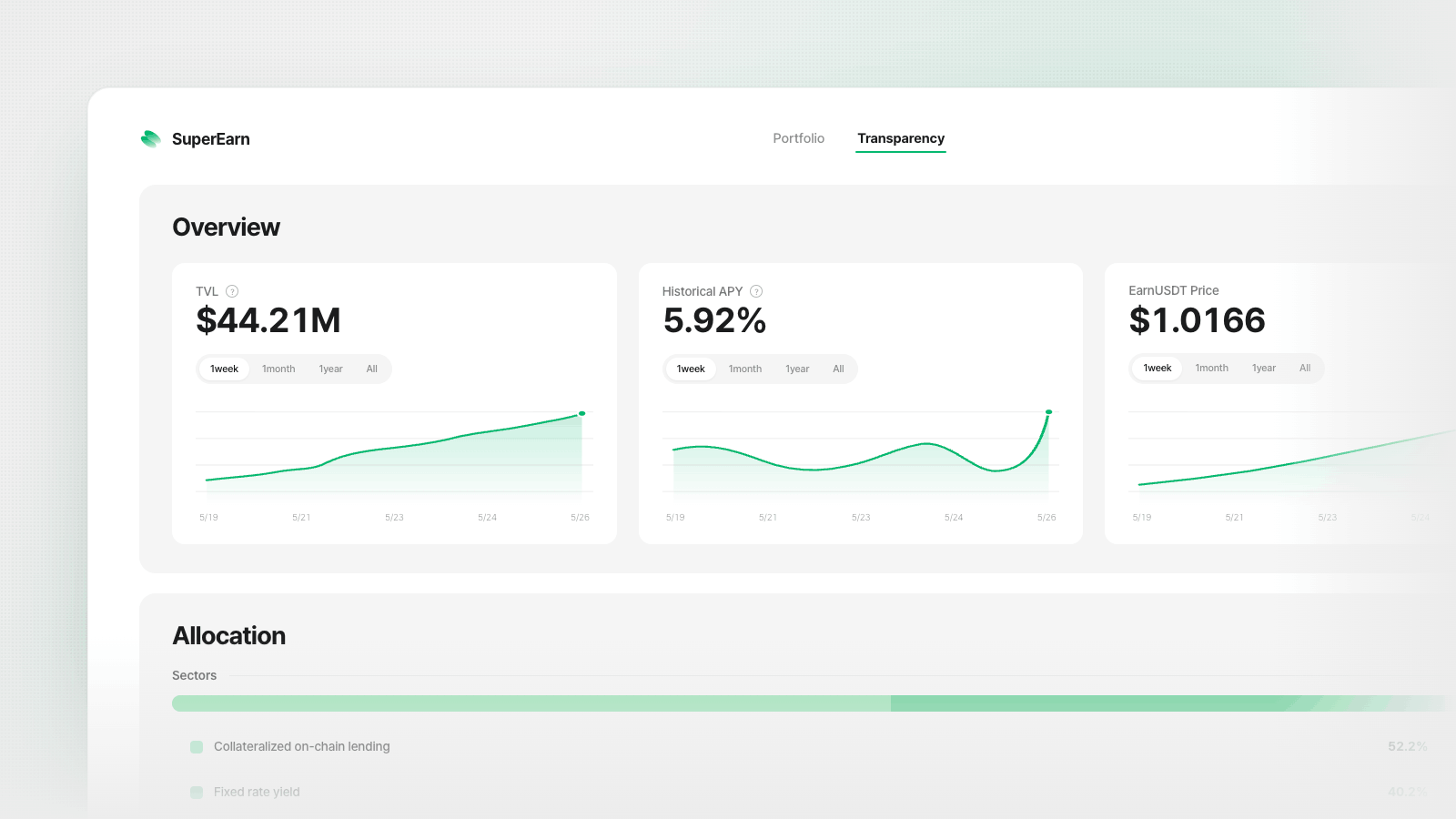
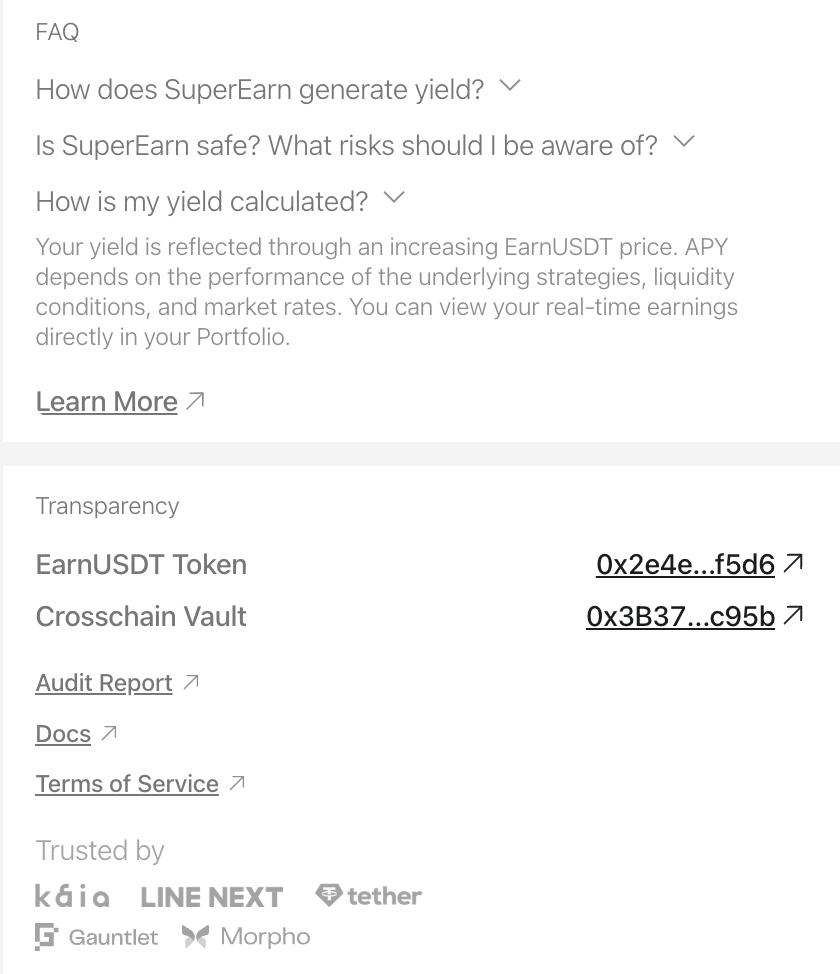
Improved transparency details

On-chain contract and token information is now easier to access, so key transparency data is available faster when you need it.

More flexible onboarding flow

You can now enter the app without connecting a wallet upfront. Explore the app and market information first, then connect your wallet when you're ready to start a deposit.

January 27th, 2026

New

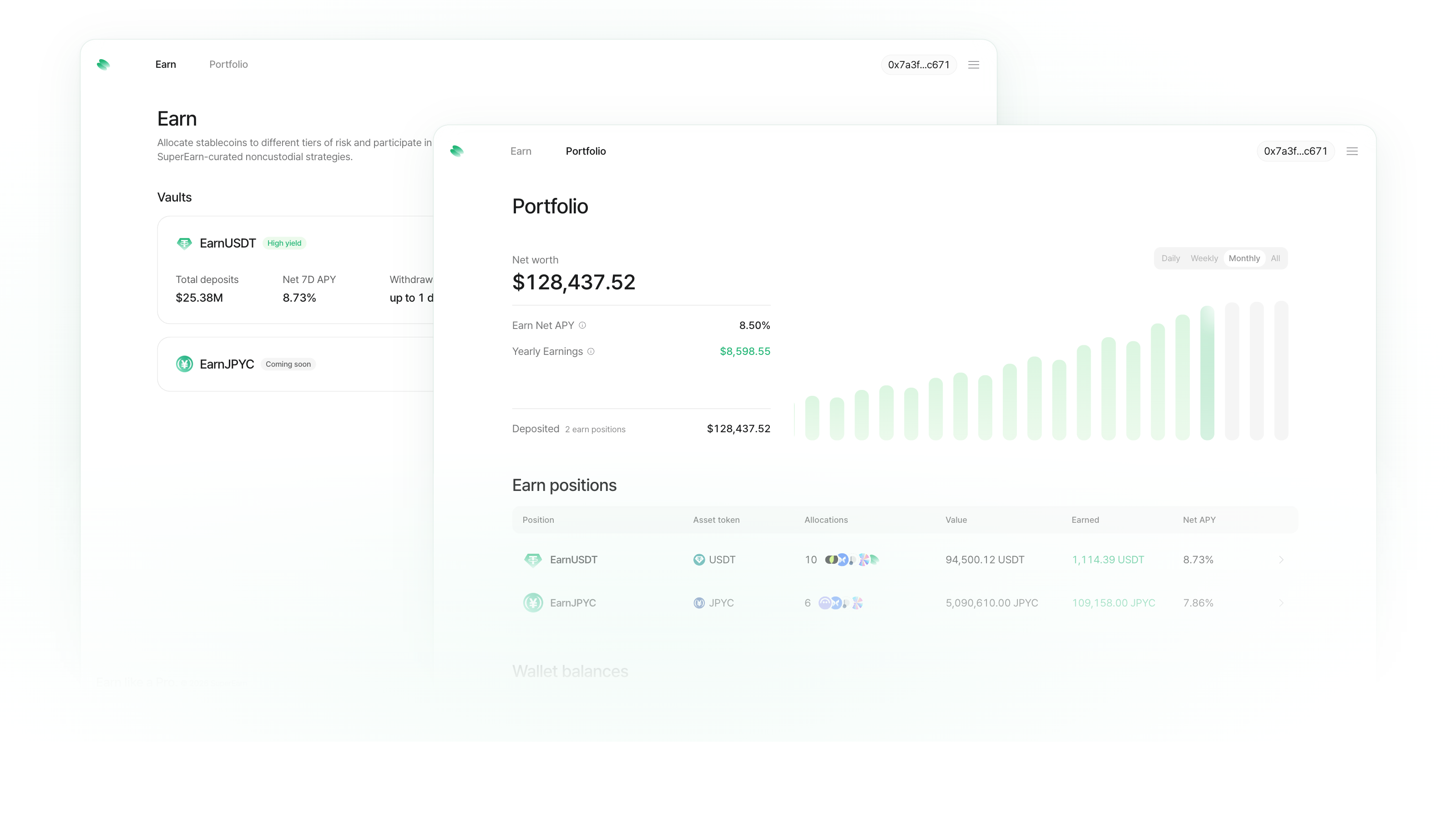
See exactly how your money is growing

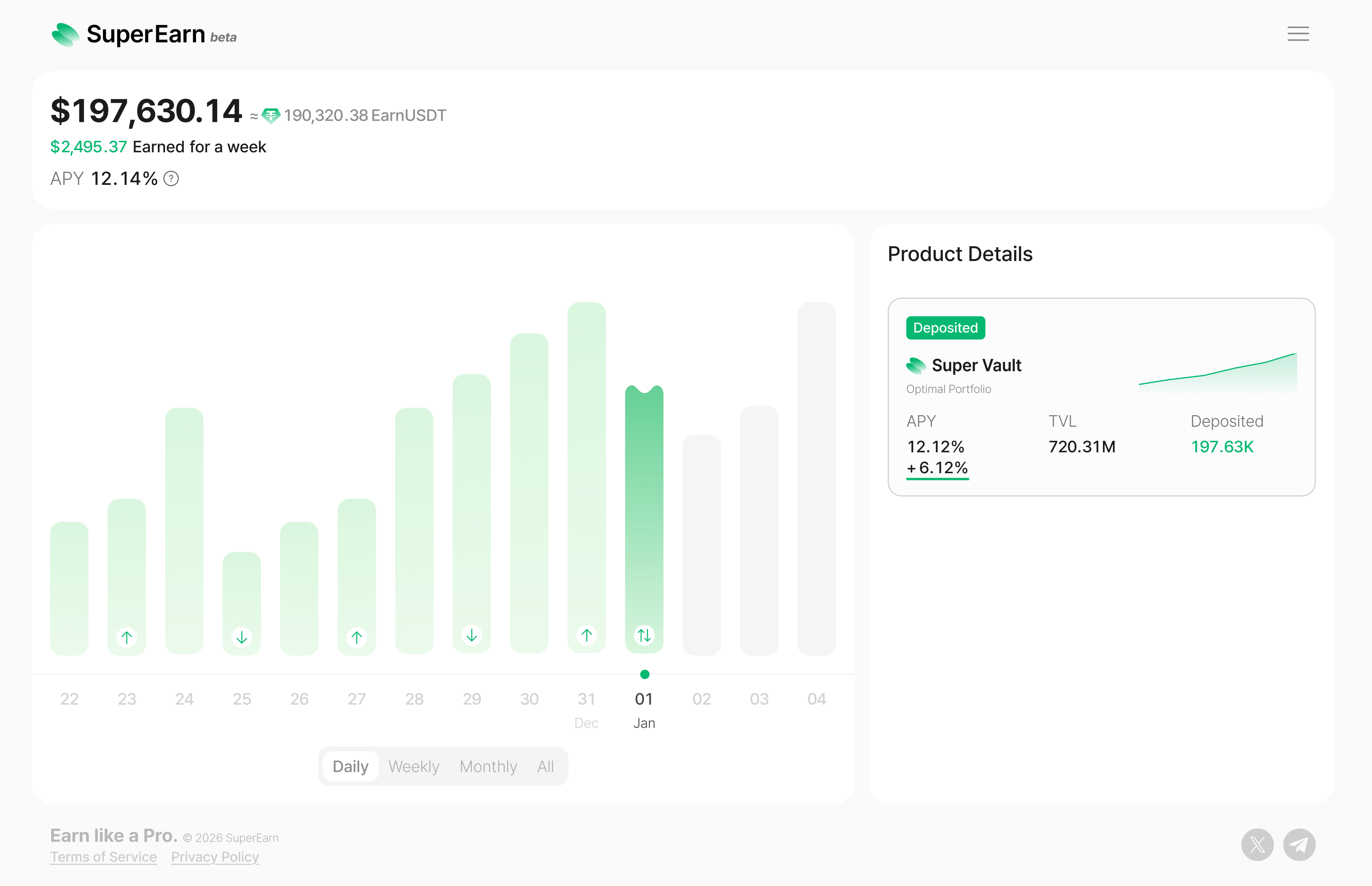
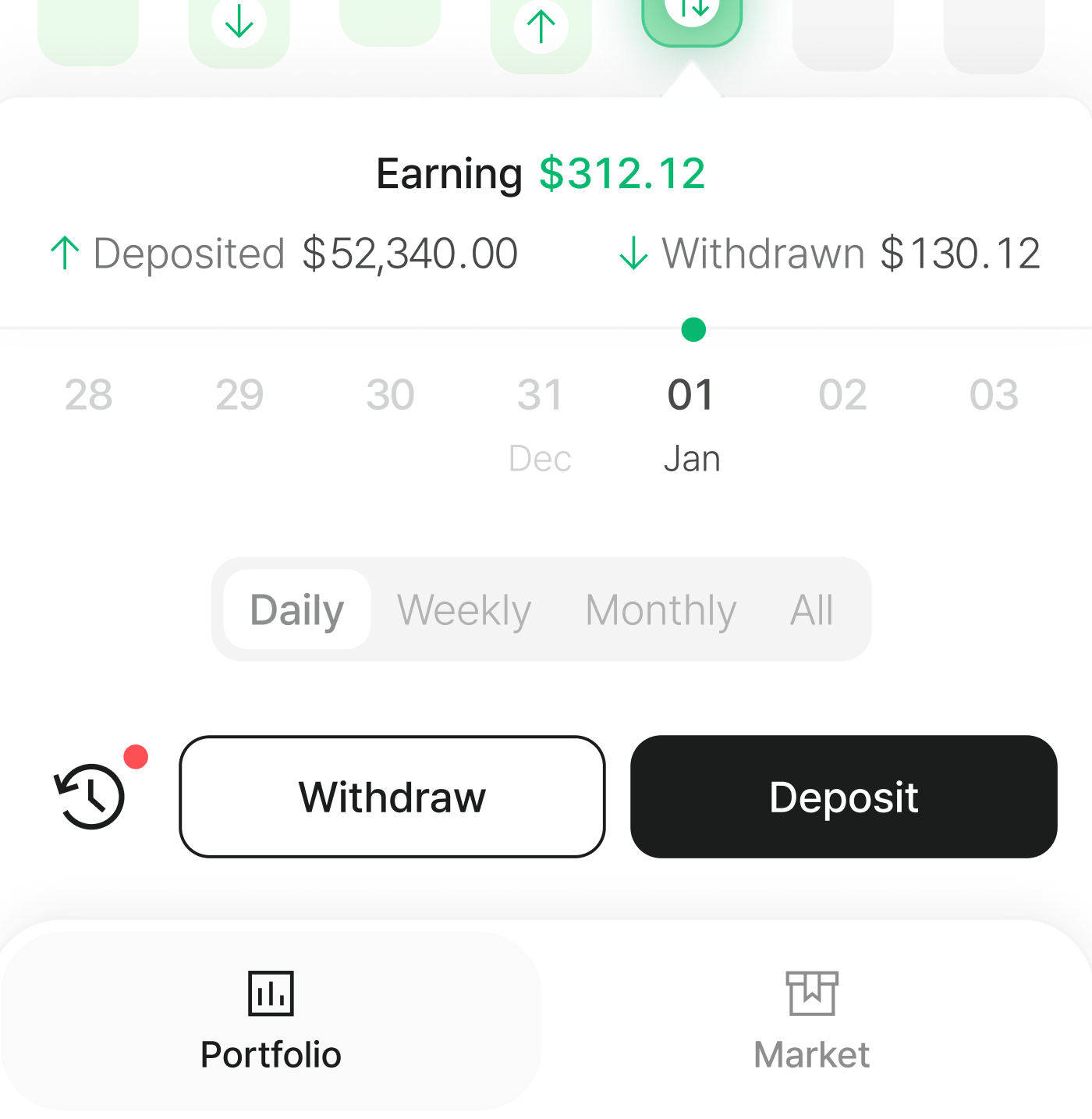
Your portfolio now shows daily earnings in a visual bar chart. Tap any day to see what happened—deposits, withdrawals, and how much you earned.

Switch between 7-day and monthly views to spot trends. Green icons mark days you added funds, making it easy to track your activity over time.

Watch your balance update in real time

Your total portfolio value now refreshes continuously throughout the day, so you always see your current balance—not yesterday's snapshot.

Project your future earnings

Curious what your balance could look like in a few years? Use the new projection tool to simulate growth over 1 to 5 years.

Drag the slider to try different deposit amounts and see how compound interest adds up at your current APY.


Add funds from Binance

You can now transfer USDT directly from your Binance account.

See your quote and fees upfront, then confirm. You'll get real-time status updates as the transfer processes, and you'll be brought right back to the app when your funds arrive.


Connect with Kaia Wallet

You can now connect using Kaia Wallet on desktop. If you have the Kaia Wallet browser extension installed, select it from the wallet options to get started.


Get started without any KAIA

New to the Kaia network? You can now swap a small amount of USDT for KAIA without needing gas to get started.

Just sign from your wallet—we cover the swap transaction fee. This gives you enough KAIA for your first few transactions, so you can start earning right away.